
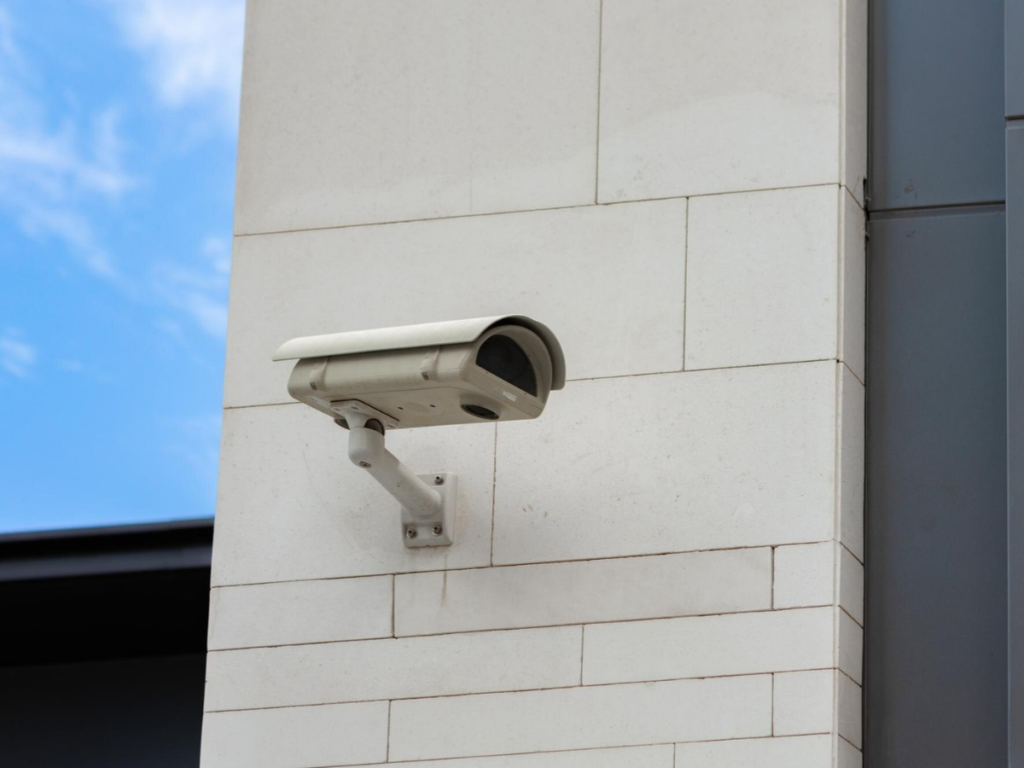
How to Choose the Best Security Cameras for Business
Choosing the best security cameras for business means finding a system that fits the property, recording needs, and budget. For businesses in Whitby and Durham Region, this guide explains what to compare, which questions to ask, and how VoicePath Convergence Group camera services can support a suitable installation.
Start With What Your Business Needs to Protect
Before comparing cameras, identify the problems the system needs to address. A retail store may need footage of entrances and checkout areas, while a warehouse may need clear views of loading doors and inventory access points.
Business security cameras can help document incidents and provide footage for reviewing theft, delivery disputes, or unauthorized access. The right setup depends on the property layout and the areas that need attention.
Start by listing priority locations:
- Main entrances and exits.
- Checkout counters.
- High-value inventory areas.
- Delivery and loading doors.
- Exterior access points.
Then decide what each camera must capture. Seeing general movement across a room is different from recording enough detail to identify someone at an entrance.
Choose the Best security cameras for Business
Camera selection should follow the property layout and viewing requirements. Choosing the same model for every position may leave important areas poorly covered.
- Entrances. Capture people entering and leaving. Check face visibility, mounting height, and backlighting.
- Retail floors. Monitor activity around merchandise. Consider shelving obstructions, viewing coverage, and image detail.
- Loading areas. Record deliveries and access activity. Assess viewing distance, lighting, and weather exposure.
- Office reception. Capture visitor activity while keeping coverage appropriate and respecting privacy.
- Exterior doorways. Monitor after-hours access. Check nighttime image quality and the camera’s operating temperature range.
For example, a small shop might need one camera covering the entrance and another covering the checkout area. The right arrangement depends on the shop’s layout and recording needs.
Compare Camera Types Carefully
Dome, bullet, panoramic, and pan-tilt-zoom cameras offer different viewing capabilities. Ask which options are available and suitable for the property’s layout, mounting locations, and recording needs.
A standard pan-tilt-zoom camera can change its viewing direction, but areas outside its current view may remain uncovered. Ask how the proposed design maintains coverage of essential locations.
Look Beyond the Resolution Number
Resolution matters, but it does not tell the whole story. Lighting, viewing distance, lens selection, and recording settings also affect whether footage contains useful detail.
A camera may capture a clear image of an empty room while struggling to capture someone moving through a bright doorway. Ask to see recorded footage under conditions similar to the intended installation.
Include these checks:
- Can a person be identified at the required distance?
- Does movement cause noticeable blur?
- Are details visible near bright windows?
- Is nighttime footage useful?
- Does exported footage retain sufficient clarity?
Manufacturer documentation demonstrates why exposure, backlighting, and image settings matter alongside resolution.
Consider AI Person and Vehicle Detection
Motion alerts can become difficult to manage when ordinary movement repeatedly triggers notifications. Person and vehicle detection can help focus attention on relevant activity, depending on the equipment and configuration. VoicePath’s website describes AI detection of people and vehicles, intended to reduce false-positive alerts. It also describes quicker retrieval of relevant video when searching for events.
Ask which features are included with the proposed camera models. A demonstration should show how detection works at the intended viewing distance and under the property’s lighting conditions. An alert is also different from professional monitoring. Confirm who receives notifications, who reviews them, and who is responsible for responding.
Assess Cabling and Connection Requirements
A dependable camera system needs suitable infrastructure. Before purchasing equipment, check cable routes, power availability, and the network requirements of the proposed installation. Wired IP systems may use Power over Ethernet, or PoE, which carries power and data through a compatible Ethernet connection.
Wireless systems have different connection requirements and still need an appropriate power source. These are general buying considerations, rather than confirmation that every option is supplied by VoicePath.
VoicePath’s services page confirms site surveys, network cabling, planning, and installation services. Reviewing these requirements early helps establish the work needed before installation begins. For an existing system, ask whether any cameras, cable runs, or recording equipment remain suitable. Compatibility should be assessed before assuming everything needs replacement.
Understand How Footage Will Be Stored
Recording is useful only when the required footage remains available. Ask how the proposed system stores video, how long recordings remain accessible, and how footage of incidents can be exported.
Ask About Local Recording
Some commercial systems record to an on-site network video recorder. Depending on the design, local recording may continue without internet access while cameras, recording equipment, and the supporting network remain operational.
Confirm the behaviour of the specific proposed system. Remote viewing and internet-dependent notifications may become unavailable even when local recording continues.
Confirm Any Cloud Services
Cloud and hybrid storage are options worth discussing when comparing commercial systems. However, VoicePath’s website does not clearly establish the availability or terms of these services.
Ask whether the quotation includes off-site storage, subscriptions, upload requirements, or backup functions. Avoid assuming that remote viewing automatically means footage is stored in the cloud.
Set a Suitable Retention Period
Storage demand depends on camera count, recording settings, and the number of days footage is retained. Higher bitrates and longer recording periods generally require more storage capacity.
Choose retention based on a documented business purpose and applicable privacy requirements. Ask how routine deletion works and how relevant incident footage can be preserved.
Check Remote Viewing and User Access
Remote access allows owners to review activity while away from the property. VoicePath states that its WatchNET camera systems support remote viewing on a smartphone or desktop computer with an internet connection.
Before purchasing, ask how access is configured and which functions are included. Viewing live footage, searching recordings, and exporting clips may involve different permissions.
Useful questions include:
- Can staff receive individual accounts?
- Can access be restricted by role?
- Is multi-factor authentication available?
- How is access removed when someone leaves?
- Who handles software and firmware updates?
These questions help assess the proposed system. They should not be treated as confirmed features of every VoicePath installation.
Compare the Complete Installation Cost
The purchase price of a camera is only one part of the budget. A useful quotation explains the full installation and any recurring charges.
Ask for a clear breakdown of these items:
- Cameras. Models, quantities, lenses, and mounts.
- Recording equipment. Recorder, storage capacity, and supporting hardware.
- Installation. Cabling, access equipment, configuration, and testing.
- Ongoing services. Any subscriptions, licences, or support charges.
- Training and warranty. Included instruction, coverage, and exclusions.
Compare quotations using the same coverage and recording requirements. A cheaper proposal may include less storage, fewer cameras, or a narrower installation scope.
Plan for Outdoor Conditions in Whitby
Outdoor cameras need to suit the conditions at their mounting location. Winter temperatures, moisture, changing daylight, and nearby lighting can affect performance. Check the specified operating temperature range and enclosure rating for each proposed model. Also consider whether snow, glare, or obstructions could interfere with the intended view.
VoicePath’s website highlights Sensefier and NightPixel camera lines for nighttime outdoor applications and Canadian weather conditions. Ask for a demonstration and confirmation that the selected model suits the property. Backup power is another useful discussion point. Confirm which parts of the system remain operational during a power interruption.
Include Privacy in the Camera Plan
Security cameras should serve a defined business purpose while limiting unnecessary recording. Camera placement, access permissions, and retention all deserve attention.
Canadian privacy guidance for publicly accessible business areas recommends considering less intrusive alternatives, limiting viewing coverage, informing the public, and protecting recordings. Areas with high expectations of privacy, such as washrooms, are unsuitable for surveillance.
That guidance does not cover employee surveillance. Workplace monitoring and audio recording require separate consideration of the applicable requirements.
Confirm Training and Support Before Installation
Staff should know how to search footage, review incidents, and export recordings. Training makes the system easier to use when an incident needs attention.
VoicePath states that installed camera systems include hands-on training. Its website also describes GTA-based technical and product support, a three-year warranty, and an advanced replacement process during warranty coverage. Confirm the equipment, eligibility, and written terms in the proposal.
Before accepting the installation, review daytime and nighttime recordings, retrieve a sample incident, test alerts, and confirm support contacts.
Frequently Asked Questions
The best choice provides useful detail, dependable recording, suitable retention, and practical support. Compare complete systems against the property’s requirements rather than choosing by brand alone.
Wired systems can suit permanent installations with practical cable routes. Wireless options require suitable signal coverage and power, so the location and recording needs should guide the decision.
Some systems with local recording can continue recording without an internet connection, provided the cameras, recorder, and any required local network remain powered and operational. Ask which remote viewing features and notifications would become unavailable.
VoicePath’s website confirms support for existing system upgrades and new installations. The suitability of existing equipment depends on its condition and compatibility with the proposed design.
The cost depends on equipment, camera quantity, cabling, storage, and installation requirements. Request an itemized quotation following a site assessment.

Choose a Camera System That Fits Your Business
The best security cameras for business combine clear footage, suitable recording options, and reliable support. Start by assessing the property’s layout, lighting conditions, and priority areas, then confirm the features included in the proposed installation.
Choosing business security cameras also means considering remote access, staff training, and ongoing assistance. A system should make it practical to review activity, find relevant recordings, and retrieve footage when needed.
Contact VoicePath Convergence Group to discuss a security camera solution suited to your property and requirements.
