
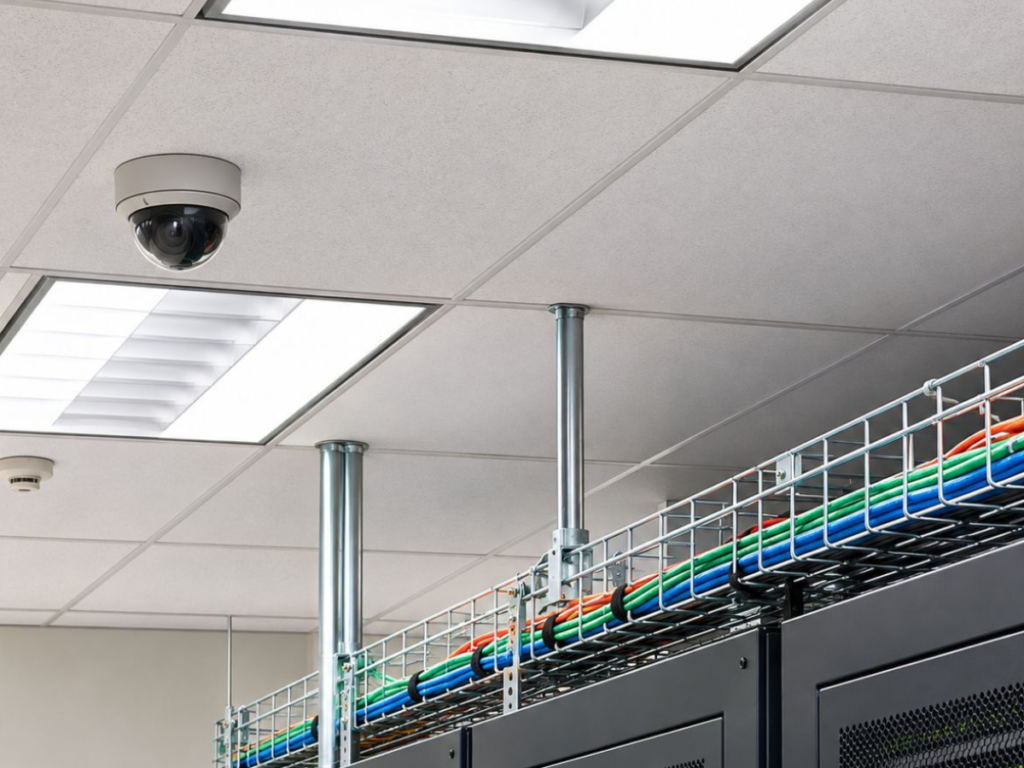
Best Security Cameras for Business for Better Protection
Protecting a commercial property requires more than installing cameras near entrances. The best security cameras for business offer clear video recording, practical monitoring features, and coverage suited to specific security needs. VoicePath Convergence Group provides customized security camera solutions designed to meet the monitoring requirements of commercial and industrial properties. Understanding camera types, recording options, installation requirements, and long-term costs can help business owners choose a dependable surveillance system.
Why Do Businesses Need Reliable Security Cameras?
Business security involves protecting employees, visitors, equipment, inventory, and property. A properly planned surveillance system can help document incidents, monitor vulnerable areas, and provide useful footage when investigating security concerns.
Although surveillance cameras cannot prevent every theft, properly positioned equipment can provide footage that supports incident investigations and business security procedures.
Security cameras can support businesses by:
- Recording activities around entrances and exits
- Monitoring inventory storage and loading areas
- Providing footage for incident investigations
- Supporting security procedures outside business hours
- Allowing authorized personnel to review activity remotely
Camera placement, recording quality, and reliable access to footage all influence how useful a surveillance system becomes.
What Are the Best Security Cameras for Business?
The right security camera depends on the property’s layout, lighting conditions, monitoring requirements, and available budget. Businesses can compare different camera designs, connectivity options, and monitoring technologies before selecting equipment.
Common security camera options include:
- Dome Cameras: Suitable for offices, shops, and indoor spaces. Their discreet appearance and flexible mounting options make them practical for monitoring reception areas, hallways, and retail environments.
- Bullet Cameras: Commonly used around entrances, parking areas, and building exteriors. Their directional design makes them suitable for monitoring specific outdoor locations.
- Turret Cameras: Suitable for indoor and outdoor commercial spaces. Their adjustable viewing angles allow businesses to direct coverage toward entrances, corridors, and other important areas.
- PTZ Cameras: Designed for larger open areas, such as warehouses and commercial facilities. These cameras offer remote pan, tilt, and zoom capabilities to monitor different sections of a property.
- PoE IP Cameras: Suitable for offices, warehouses, and permanent commercial installations. They use Ethernet cables to transmit data and receive power from compatible network equipment.
- AI-Enabled Cameras: Useful for busy entrances and commercial properties. Depending on the model, these cameras can detect people and vehicles, helping businesses receive more relevant security notifications.
These camera categories are not mutually exclusive. For example, a dome camera may also support PoE connectivity and AI-assisted detection.
Dome and Turret Cameras for Indoor Monitoring
Dome and turret cameras are practical choices for monitoring offices, reception areas, corridors, and retail spaces. Their mounting flexibility can help cover important areas without interfering with everyday business activities. The appropriate model depends on viewing distance, available lighting, and required image detail.
Outdoor Cameras for Property Protection
Outdoor cameras should withstand temperature changes, moisture, and other environmental conditions. For businesses in Ontario, equipment suitability during cold winters and hot, humid summers deserves particular attention.
Features such as appropriate weather-resistance ratings, low-light recording, and durable housings can support dependable outdoor monitoring.
AI Security Cameras for Smarter Monitoring
AI-assisted cameras can distinguish certain types of movement, including people and vehicles, depending on the system’s capabilities. This technology can help reduce unnecessary notifications caused by routine environmental movement.
It offers security camera solutions with AI-assisted person and vehicle detection. These features can help businesses receive more relevant notifications and locate recordings associated with specific events more efficiently.
Best Security Cameras for Different Business Types
Different industries experience different security concerns. Choosing equipment based on the property’s actual conditions can provide better coverage than installing identical cameras throughout every building.
Retail Stores and Shopping Locations
Retail businesses often need visibility around entrances, checkout counters, merchandise displays, and stockrooms. High-resolution cameras can support incident reviews, while strategically positioned equipment helps reduce unnecessary blind spots.
For example, a small retail store might position cameras toward the main entrance, transaction area, and inventory access points. The objective is to document relevant activity while respecting customer and employee privacy.
Offices and Professional Workspaces
Office environments may require monitoring of reception areas, shared entrances, and selected equipment rooms.
Dome or turret cameras can provide practical indoor coverage without dominating the appearance of the workplace. Remote viewing may also help authorized managers check property conditions when the office is closed.
Warehouses and Industrial Facilities
Warehouses often contain wide spaces, high ceilings, loading docks, and valuable equipment. Suitable systems may combine fixed cameras with carefully selected wide-angle or PTZ equipment.
Camera resolution, mounting height, lighting, and recording storage deserve particular attention because large areas can be challenging to monitor effectively.
Restaurants and Hospitality Businesses
Restaurants may benefit from cameras monitoring entrances, delivery areas, storage spaces, and appropriate public-facing locations. Kitchen conditions, lighting changes, and camera exposure to grease or moisture may affect equipment selection.
Surveillance should remain focused on legitimate security needs rather than unnecessary observation of staff or customers.
What Features Matter Most in Business Security Cameras?
Camera specifications are important, but meaningful protection depends on whether those features work well in the intended environment.
High-Resolution Video and Night Vision
Clear video helps users review incidents and identify important details. Higher resolution may provide more visible detail, but lens selection, lighting, compression, and camera distance also affect footage quality.
It offers WatchNET security camera systems and highlights its Sensefier and NightPixel camera lines for low-light monitoring. These options are designed to support visibility in challenging lighting conditions, including outdoor commercial environments.
Actual video quality depends on the selected camera model, installation location, available lighting, and surrounding conditions. Businesses should request sample recordings under conditions comparable to their properties before choosing equipment.
Remote Viewing and Mobile Access
Remote viewing allows authorized users to check connected security cameras without physically visiting the property. Depending on the system, users may review live footage, retrieve recordings, and receive event notifications through supported devices.
AI Detection and Motion Alerts
Basic motion detection may trigger notifications for moving branches, lighting changes, or other ordinary activity. AI-assisted person and vehicle detection can provide more relevant alerts when configured appropriately.
However, lighting, positioning, and environmental conditions can affect detection accuracy. No system should be considered completely free from false alerts.
Video Storage and Recording Access
Businesses should consider how long recordings need to remain accessible and how securely footage is stored.
Commercial security camera systems may support different recording options, including:
- Network Video Recorders (NVRs): Record and manage footage from compatible IP cameras.
- Local storage: Stores footage on recording equipment located at the business.
- Cloud storage: Stores recordings remotely when supported by the selected system.
- Hybrid storage: Combines local and remote recording capabilities in compatible systems.
Storage requirements depend on camera quantity, video resolution, recording schedules, and retention needs.
Wired vs. Wireless Security Cameras for Businesses
Wired and wireless security cameras offer different advantages depending on the building’s layout, network infrastructure, and monitoring requirements. Understanding their differences can help businesses select a suitable surveillance system.
Wired or PoE Security Cameras
Wired security cameras use physical connections, such as Ethernet cables, to transmit video data. Power over Ethernet (PoE) cameras can receive both power and data through a single Ethernet cable when connected to compatible network equipment.
Key advantages include:
- Reliable Connectivity: Wired connections are generally less affected by wireless signal interference, providing more consistent data transmission.
- Stable Power Supply: PoE cameras can receive power directly through Ethernet cables, reducing the need for separate power connections.
- Centralized Management: Compatible systems allow businesses to manage multiple cameras through network recording equipment.
- Suitable for Permanent Installations: Wired systems are practical for offices, warehouses, and larger commercial properties requiring continuous monitoring.
However, installation typically involves running cables, which may require additional planning and professional assistance.
Wireless Security Cameras
Wireless security cameras generally use Wi-Fi to transmit video footage, reducing the need for physical network cables.
Key advantages include:
- Flexible Installation: Wireless connectivity allows cameras to be installed in locations where running network cables may be difficult.
- Reduced Data Cabling: Fewer network cables may simplify installation in certain environments.
- Convenient Placement: Wireless models can provide additional placement options when suitable Wi-Fi coverage is available.
- Suitable for Smaller Properties: Wireless cameras may be practical for small offices, retail shops, and businesses with limited installation requirements.
However, wireless performance depends on network coverage, signal strength, and interference. Many wireless cameras also require a separate power connection.
Which Option Is Better for Your Business?
For larger commercial installations, PoE cameras may provide dependable network connectivity and centralized management. Wireless cameras may be suitable for smaller properties or locations where installing network cables would be difficult.
The right choice depends on the property’s layout, available power sources, network reliability, security requirements, and installation budget. A professional assessment can help determine which option best suits the business’s monitoring needs.
How Much Do Business Security Cameras Cost?
Commercial security camera costs vary according to the equipment, property size, installation conditions, and selected features. A complete budget should consider more than the individual camera price.
Important expenses include:
- Camera equipment: Resolution, construction, night vision, and detection capabilities
- Installation: Cabling, mounting, configuration, and labour
- Recording equipment: NVRs, storage drives, and compatible networking hardware
- Software or subscriptions: Applicable licences, monitoring, or cloud storage charges
- Maintenance: System inspections, troubleshooting, and future replacement needs
A small office may need fewer cameras than a warehouse with multiple entrances and outdoor loading areas.
What Should Businesses Know About Modern Camera Technology?
Modern commercial security camera systems offer features that help businesses monitor properties, review recordings, and manage security concerns more efficiently.
AI-assisted detection, remote access, and improved low-light recording capabilities are important considerations when comparing available systems.
AI-Assisted Video Search
Some modern camera systems allow users to search recordings using detected events rather than manually reviewing hours of footage. For busy commercial locations, this may reduce the time needed to locate relevant incidents.
Remote Access and System Security
Internet-connected cameras require appropriate cybersecurity precautions. Businesses should change default passwords, restrict user permissions, apply supported firmware updates, and protect remote connections. Remote access should be convenient without exposing business systems to unnecessary security risks.
Low-Light Performance
Improved sensors and low-light imaging technology can help capture usable footage in challenging lighting conditions.
However, performance varies by camera model and environment. Testing relevant viewing distances and lighting conditions is important before installation.
How to Choose the Right Security Camera System
A useful selection process begins with identifying security concerns rather than immediately comparing product prices.
Consider these steps:
- Identify vulnerable areas. Review entrances, exits, storage locations, and other legitimate monitoring points.
- Determine coverage requirements. Consider viewing angles, camera distances, and lighting conditions.
- Compare camera features. Evaluate resolution, remote access, night vision, and detection capabilities.
- Plan recording storage. Decide how footage will be retained, accessed, and protected.
- Review installation requirements. Assess networking, power, cabling, and mounting locations.
- Consider ongoing support. Confirm warranty terms, user training, and maintenance arrangements.
Professional planning can help identify potential coverage limitations before equipment is installed.
Why Professional Camera Installation Matters
Even quality equipment may produce disappointing results when cameras are poorly positioned or incorrectly configured. An installation assessment can identify suitable viewing angles, recording requirements, cabling routes, and environmental challenges.
The company works with Canadian security camera specialists to develop systems that meet specific business requirements and budgets. Its offerings include WatchNET cameras, AI-assisted detection, remote viewing, and hands-on user training.
Its Advanced RMA program provides replacement arrangements for eligible defective cameras during the warranty period. Businesses should confirm the applicable warranty terms and coverage details before purchasing a system.
Frequently Asked Questions
What Are the Best Security Cameras for a Small Business?
The best choice depends on the property’s size, layout, and security concerns. Small businesses may benefit from a combination of indoor cameras, outdoor monitoring, remote viewing, and reliable recording storage.
How Many Security Cameras Does a Business Need?
The required number depends on entrances, floor area, viewing angles, and vulnerable locations. A site assessment can help identify coverage requirements without unnecessary equipment.
Are Wired Cameras Better Than Wireless Cameras?
Wired cameras may offer more consistent connectivity for permanent installations. Wireless cameras can be useful where running network cables is difficult, provided reliable wireless coverage and power are available.
Can Security Cameras Be Monitored Remotely?
Yes. Compatible systems allow authorized users to view footage through supported smartphones or computers. Features depend on the equipment, network connection, and access configuration.
What Privacy Rules Apply to Business Security Cameras in Ontario?
Businesses in Ontario must consider applicable privacy and workplace monitoring requirements when installing security cameras.
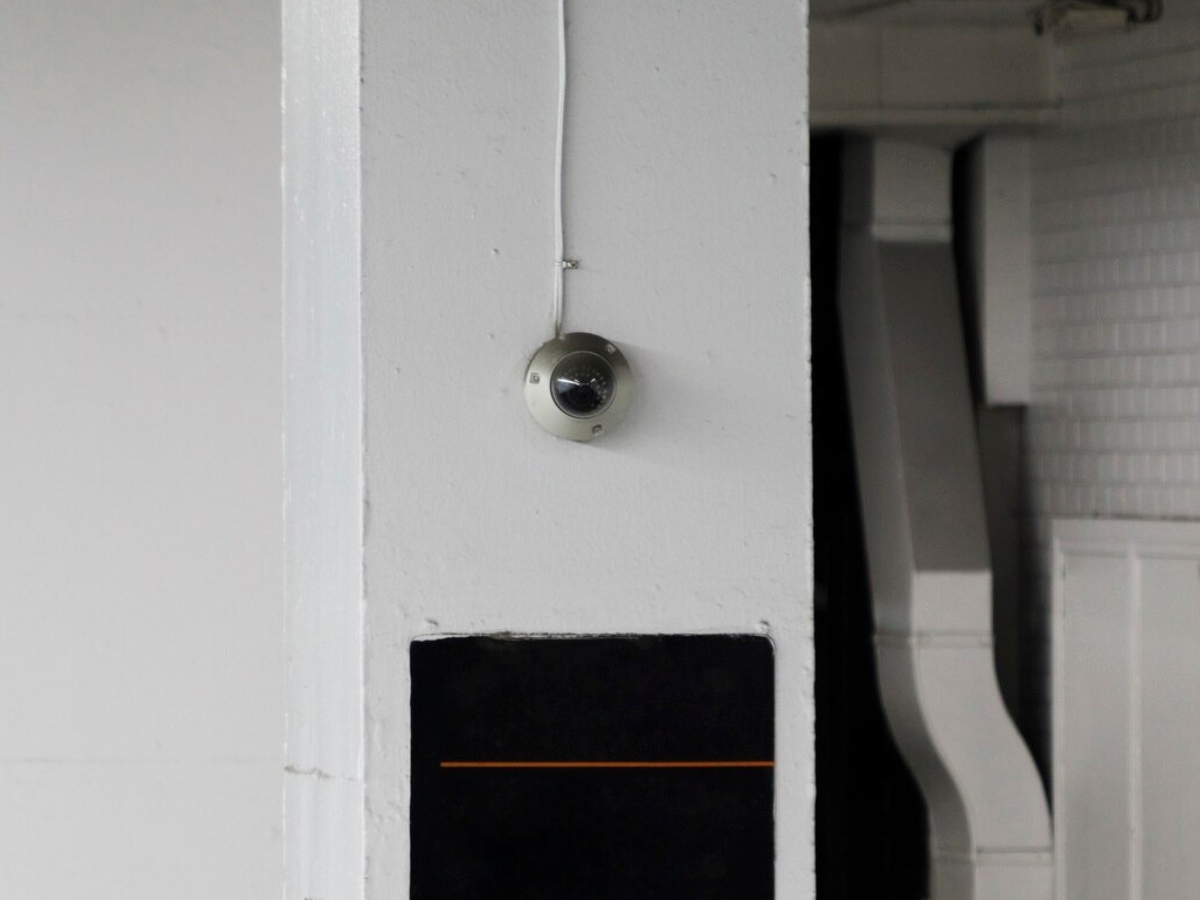
Find the Right Security Camera System for Your Business
Choosing the best security cameras for business involves balancing video quality, monitoring features, installation requirements, and long-term costs. A properly planned system can help businesses monitor important areas, protect their property, and access relevant recordings when needed. Provides customized security cameras for commercial and industrial properties. Its solutions include AI-assisted detection, remote viewing, professional installation, and hands-on user training.
Visit VoicePath Convergence Group to discuss available security camera options for your business.
